Aiarty Video Enhancer for macOS Review
Aiarty Video Enhancer is one of those rare tools that keeps things simple while still delivering powerful results. It is designed for macOS users who want to improve video quality using AI without dealing with complicated workflows or cloud uploads. Everything is processed locally on the machine, which makes it a safer choice for users who do not want their footage leaving their system.
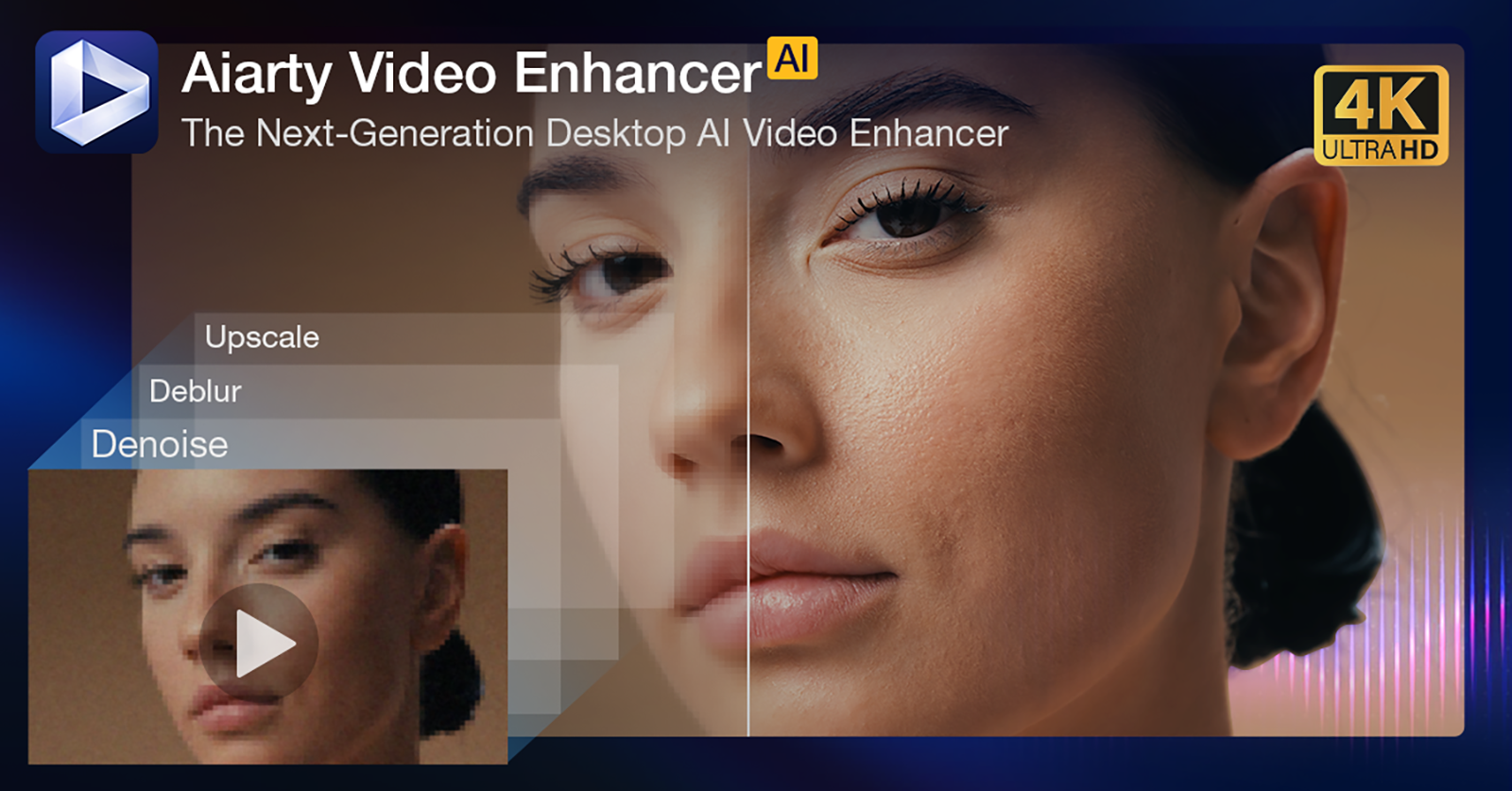
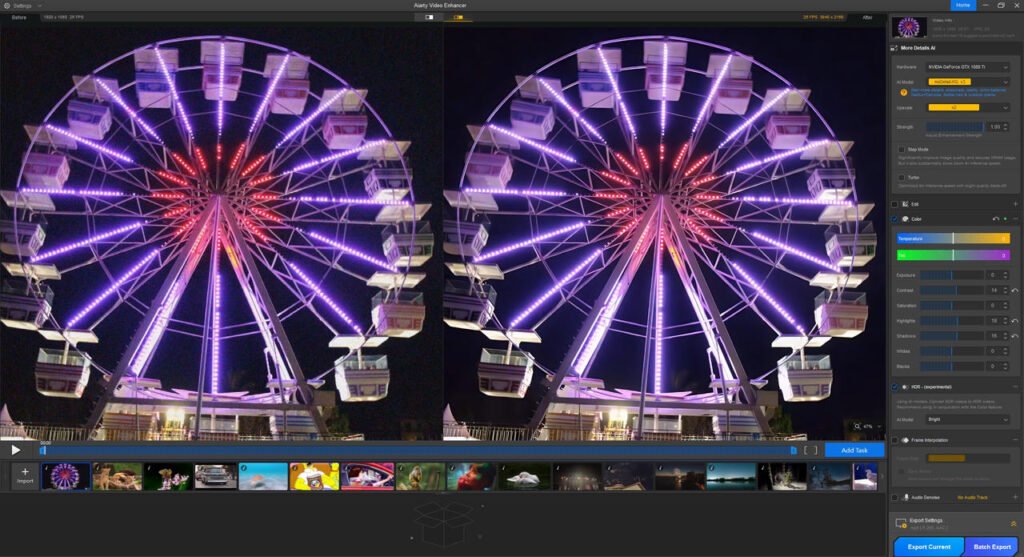
The interface is clean and distraction free. You can drag a video into the app, select enhancement options, and let the AI handle the rest. It works well for old videos, mobile recordings, blurry footage, and low resolution clips that need to be upscaled. The software uses AI models to improve clarity, remove noise and enhance visual details. It does not require any technical knowledge, which is great for content creators, educators, editors or even hobby users.
Useful features
- AI super resolution for upscaling videos
- Noise removal for grainy footage
- Face enhancement for close up clips
- Motion stability improvements
- Preview window for checking changes before saving
- Support for multiple formats including MP4, MOV, MKV
Unlike many video enhancer tools that follow a subscription model, Aiarty offers a one time perpetual license. This makes it a more cost friendly choice in the long run. No recurring fees and no forced upgrades. Since the processing is machine side, there is no need to upload any content to servers, which is reassuring for privacy conscious users.
What is new in the latest version
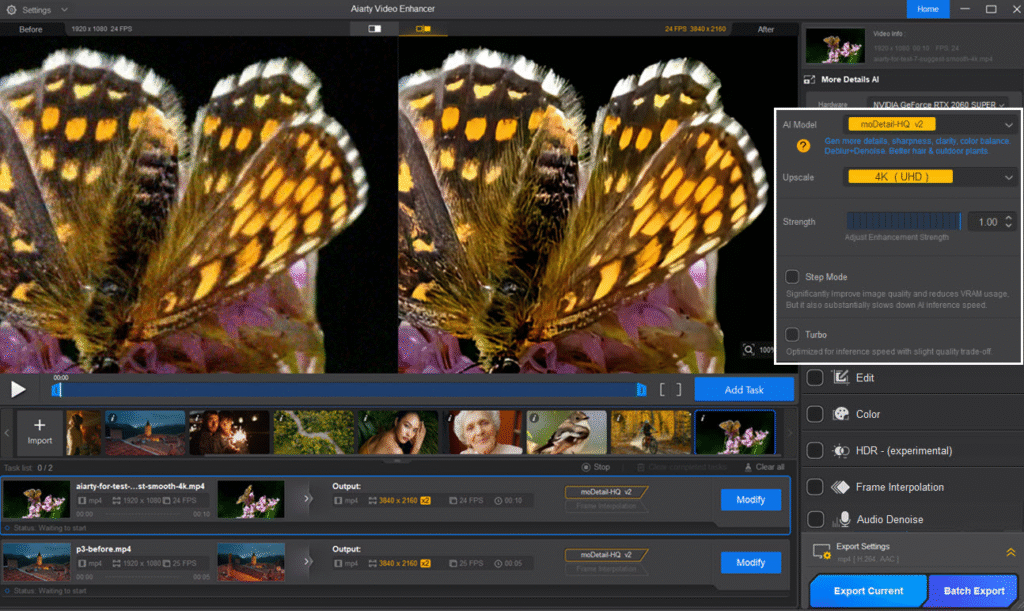
- Strength Slider gives full control over how strong the enhancement looks. You can balance sharpness and natural texture without making the video artificial.
- SDR to HDR conversion brings more vivid colours, better contrast and a richer viewing experience. It is quite useful for flat looking standard footage.
- Step Mode is a smart addition that improves video quality while keeping vRAM usage low. This helps users with older Macs or those working on long video files.
Performance
The speed depends on your Mac hardware, especially GPU. M-Series chips perform very well, but Intel based Macs also handle it decently. The output quality is impressive, especially when using the AI upscaling with controlled sharpness. Sometimes videos can look a bit too smooth if pushed too far, but with the Strength slider this is easy to manage.
Pros
- One time purchase, no subscription
- Everything processes offline for better privacy
- Easy to use for beginners
- Strong AI enhancement quality
- Useful new tools like HDR conversion and Step Mode
- Works on both Intel and Apple Silicon Macs
Cons
- Processing speed varies based on hardware
- Output can look slightly soft if over-enhanced
Verdict
Aiarty Video Enhancer is a solid and practical solution for macOS users who want AI video enhancement without cloud dependency or expensive subscription plans. It is user friendly, efficient, and powerful enough for creators, editors and anyone dealing with old or low quality footage. With the recent update, it has become even more flexible and gives users better control over visual results. Overall, a trustworthy and valuable tool to keep in your video editing setup.
Product page: https://www.aiarty.com/ai-video-enhancer/